
Today's blog update is about some hidden HAC features.
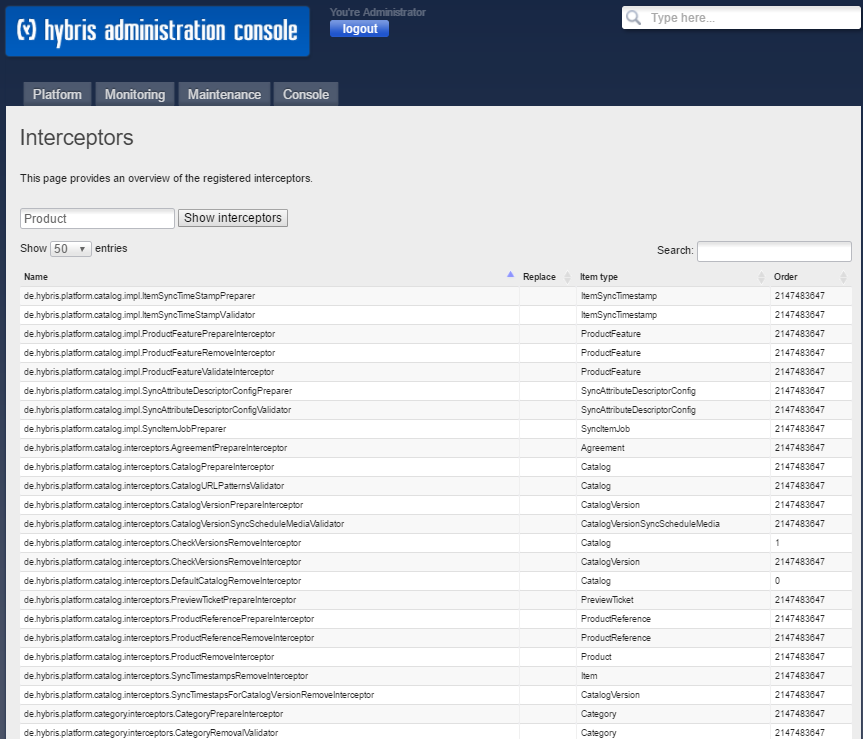
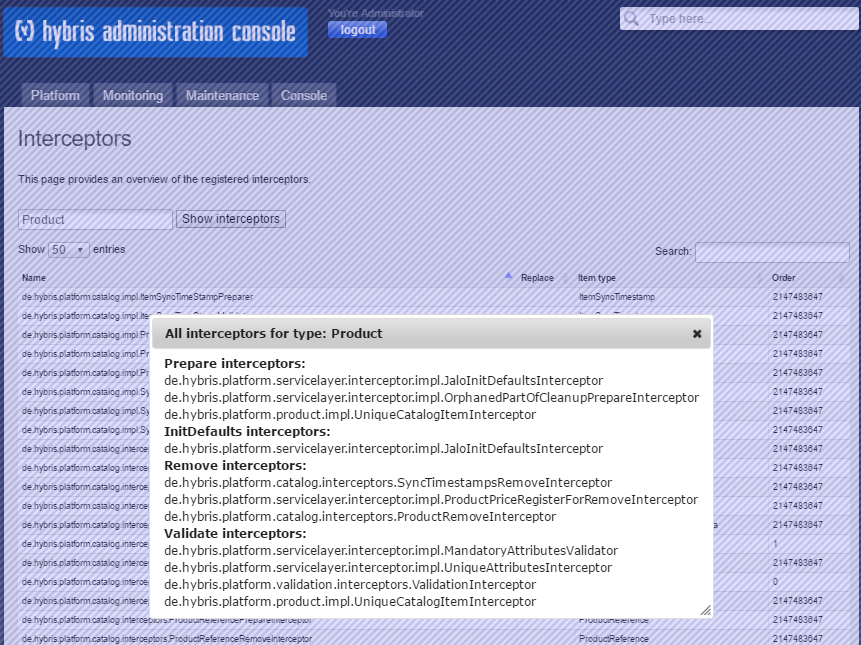
HAC Interceptors
You won’t find a link to this page in the navigation menu. To launch it, you need to change the URL manually to /development/interceptors. For example, for a local installation:
https://localhost:9002/development/interceptors or https://localhost:9002/hac/development/interceptors
System Tray Notifications
Hybris uses Growl as a global notification system. Currently, Growl is used for two types of notifications in HAC: Init/Update is finished and SQL scripts are generated. Hybris assumes that Growl is available in the system. For Windows, it is a third-party tool that has to be installed separately. For Windows, the console utility must be in PATH to enable notifications.
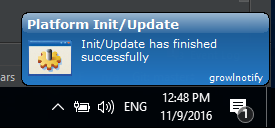
Growl is capable of forwarding messages to another computer. It may be useful for server installations.
Other Minor Undocumented Features
If you click on the footer message, the popup window will inform you about the server configuration.

Easter Eggs
If you press “J” and “ESC” in any order, your HAC will go crazy:

While on the subject of useless features… For some reason, HAC developers decided to add a hotkey, “Ctrl-Alt-H,” to jump you back to the HAC main page.
You now know more about HAC. Nowhere, nowhere does it describe this stuff. Stay tuned!
© Rauf Aliev, November 2016
Discussion
Powered by GitHub Discussions — sign in with a GitHub account to join the conversation.